Step 1: Login to the VPS
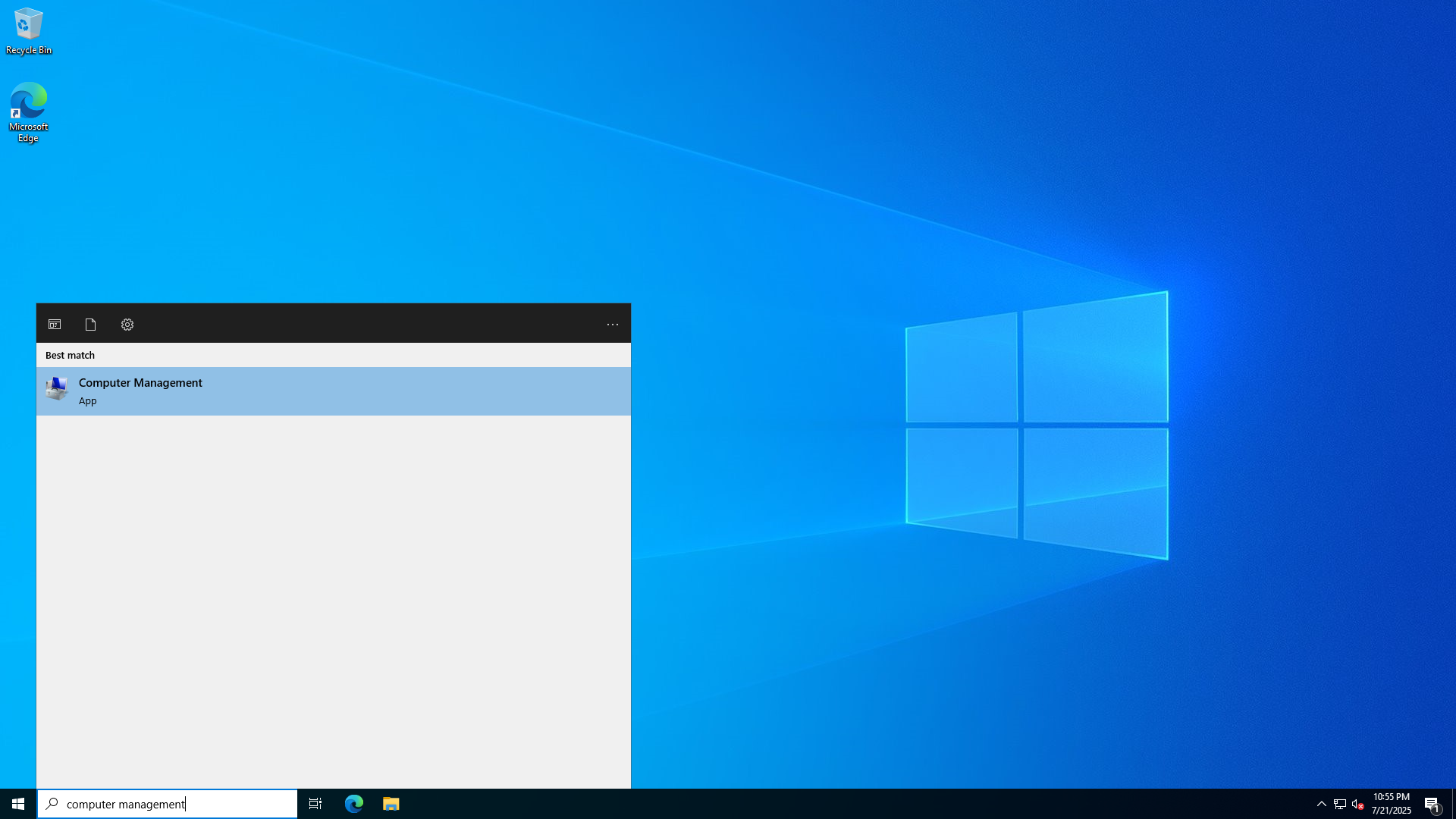
Step 2: Open Computer Management
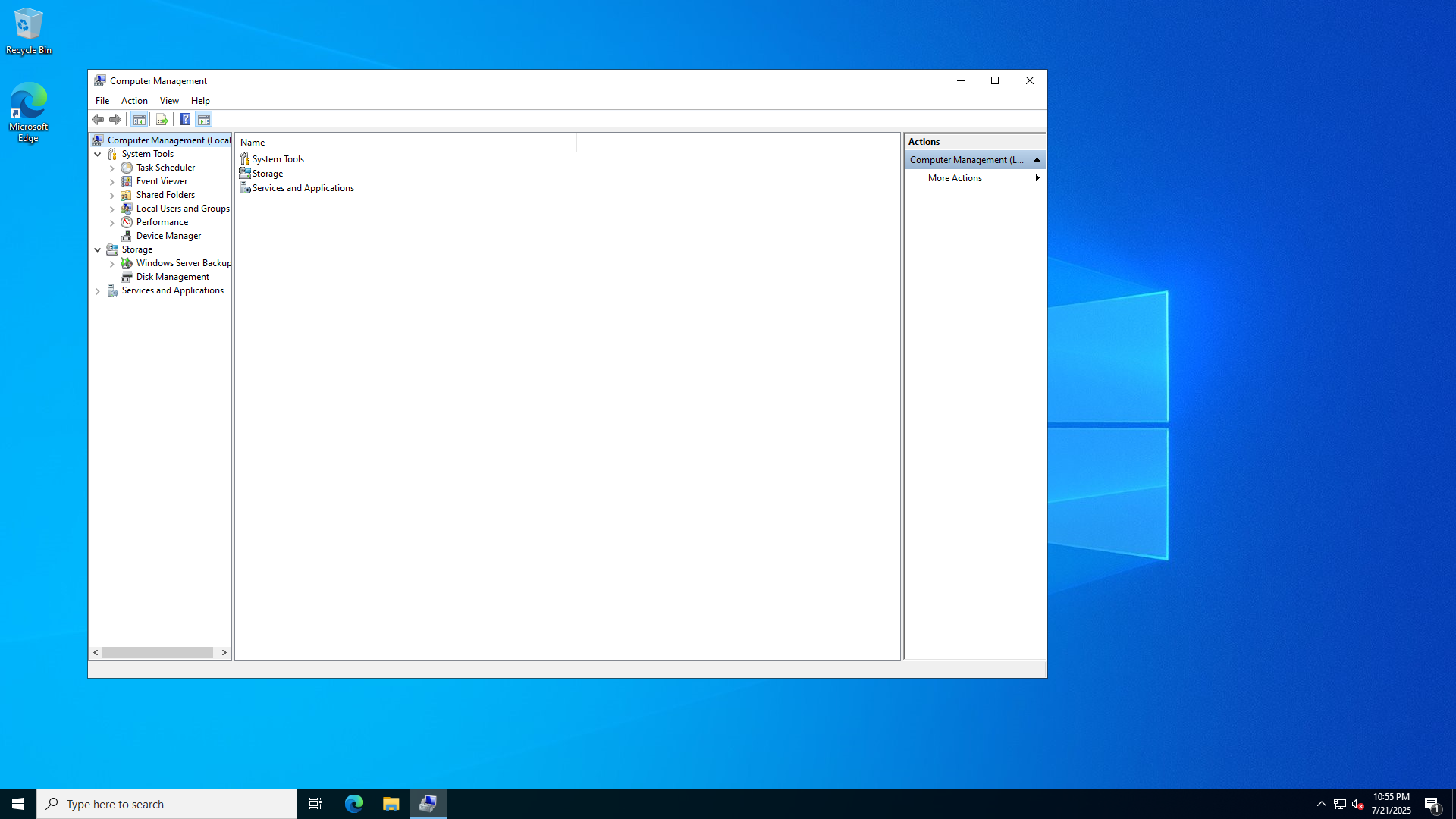
Step 3: Within Computer Management open the "Local Users and Groups" tree, then open the Users folder
Step 4: Press right click on the white space underneath the accounts, and press "New User..."
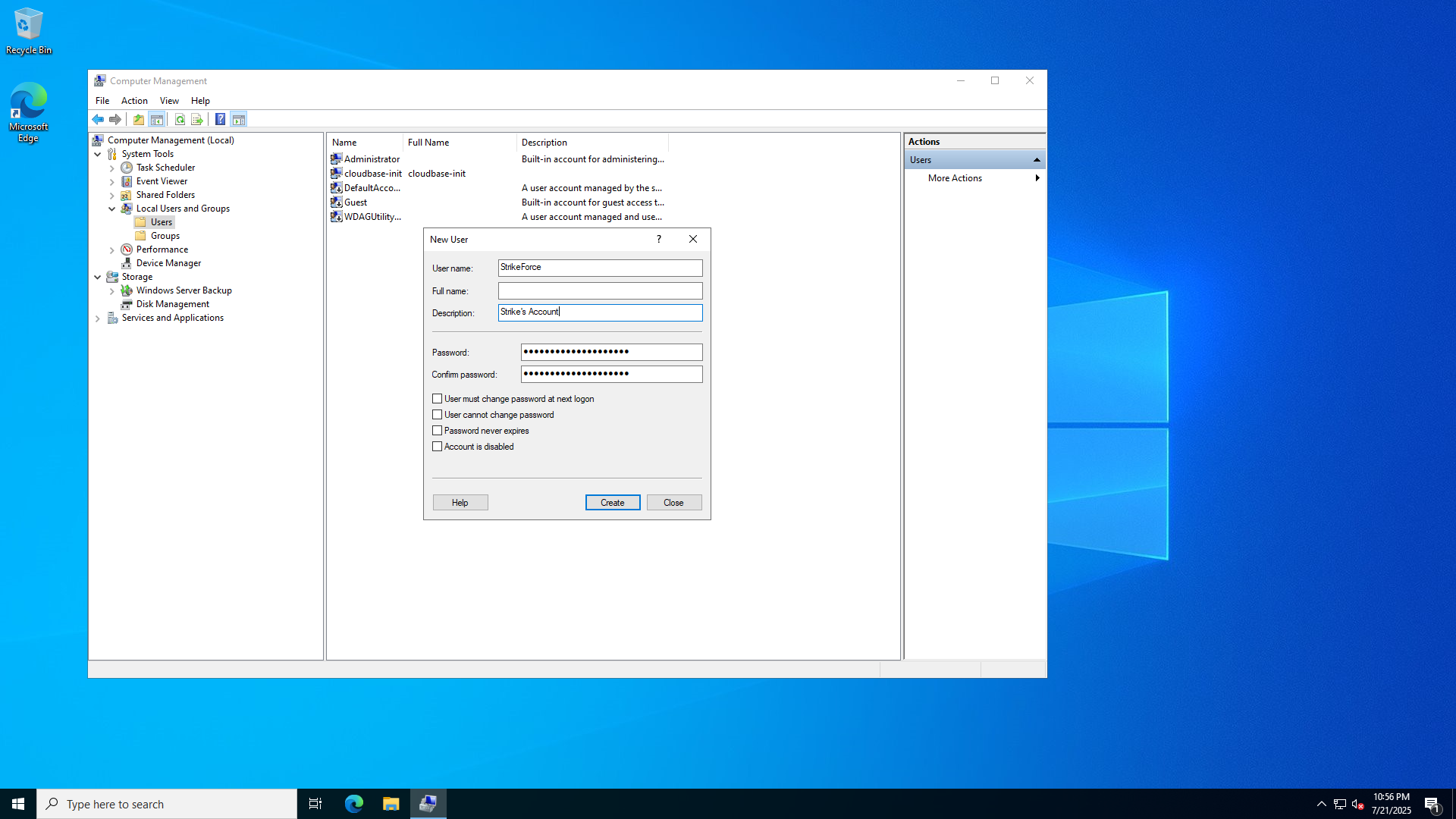
Step 5: Fill in the wanted variables and credentials and press "Create"
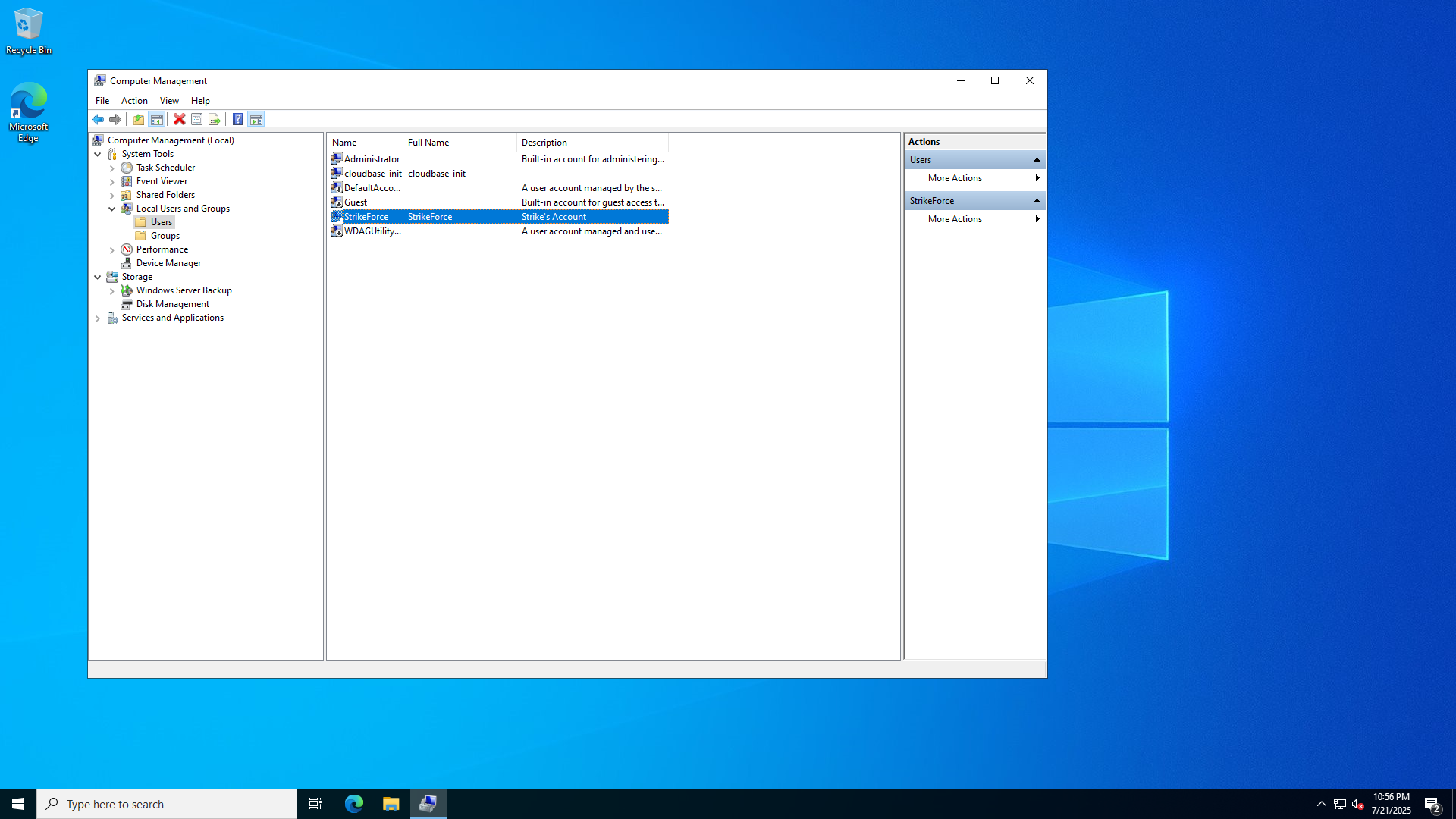
Step 6: After creating the account press Groups on the left
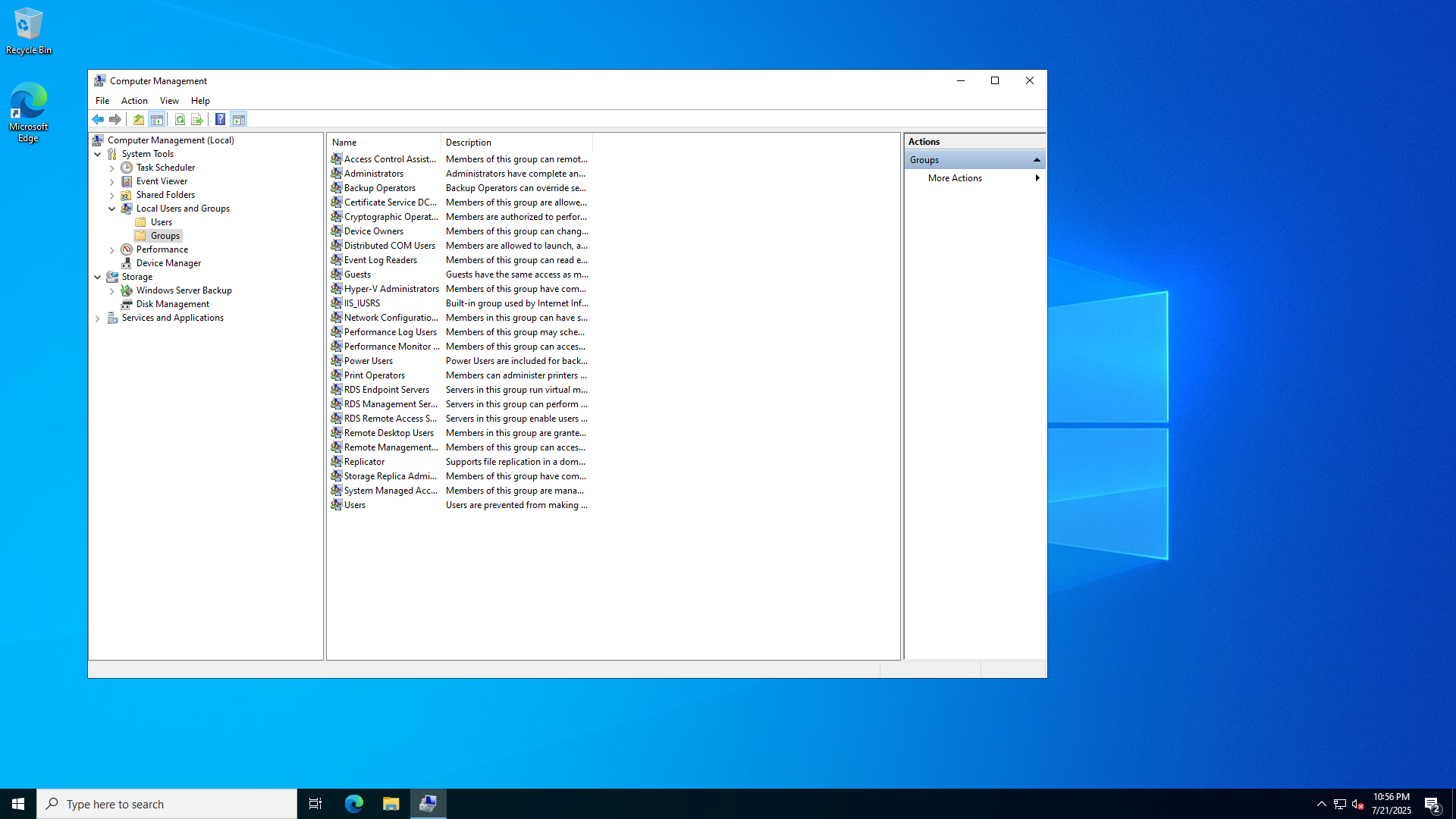
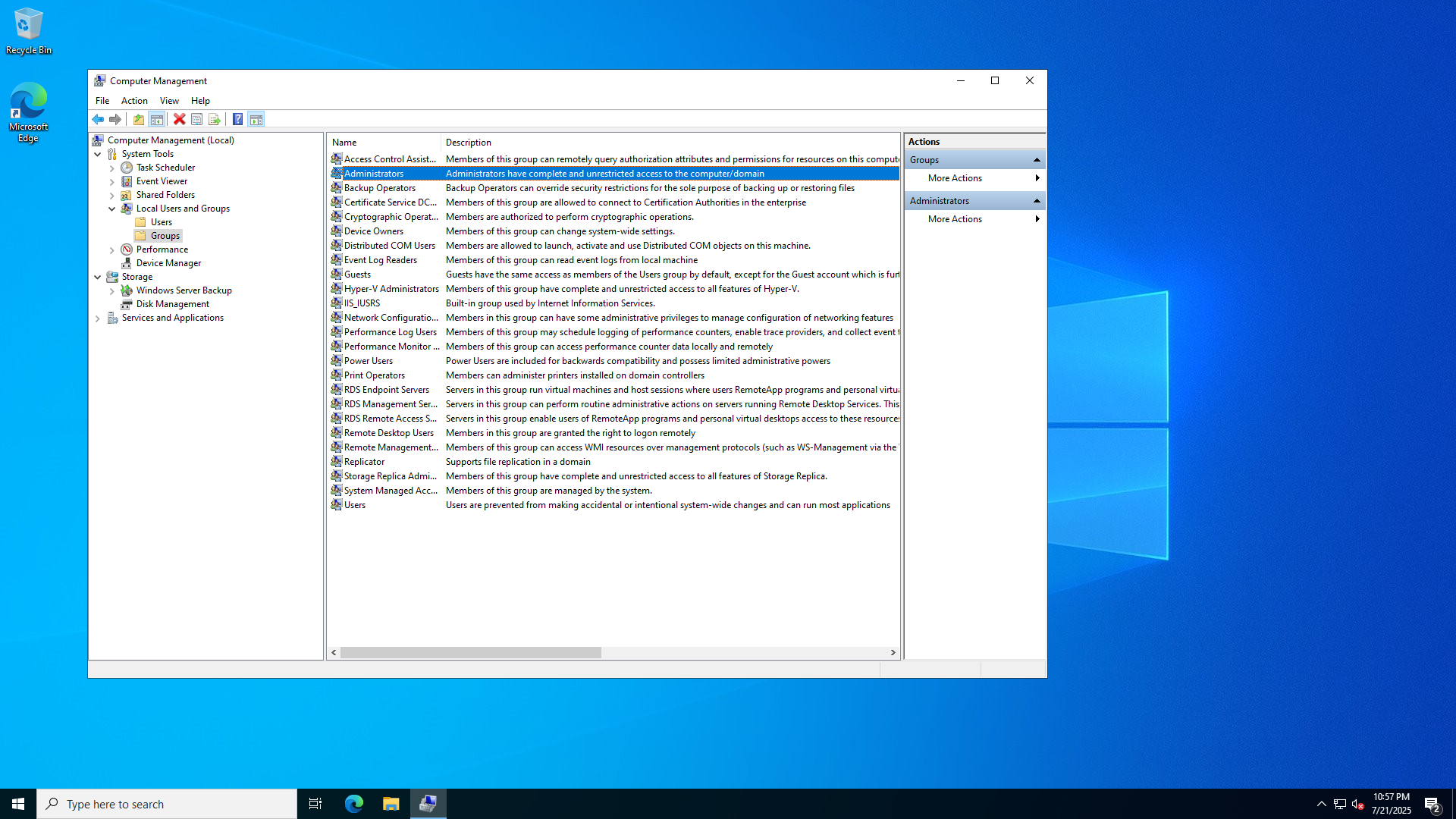
Step 7: Double click on "Administrators"
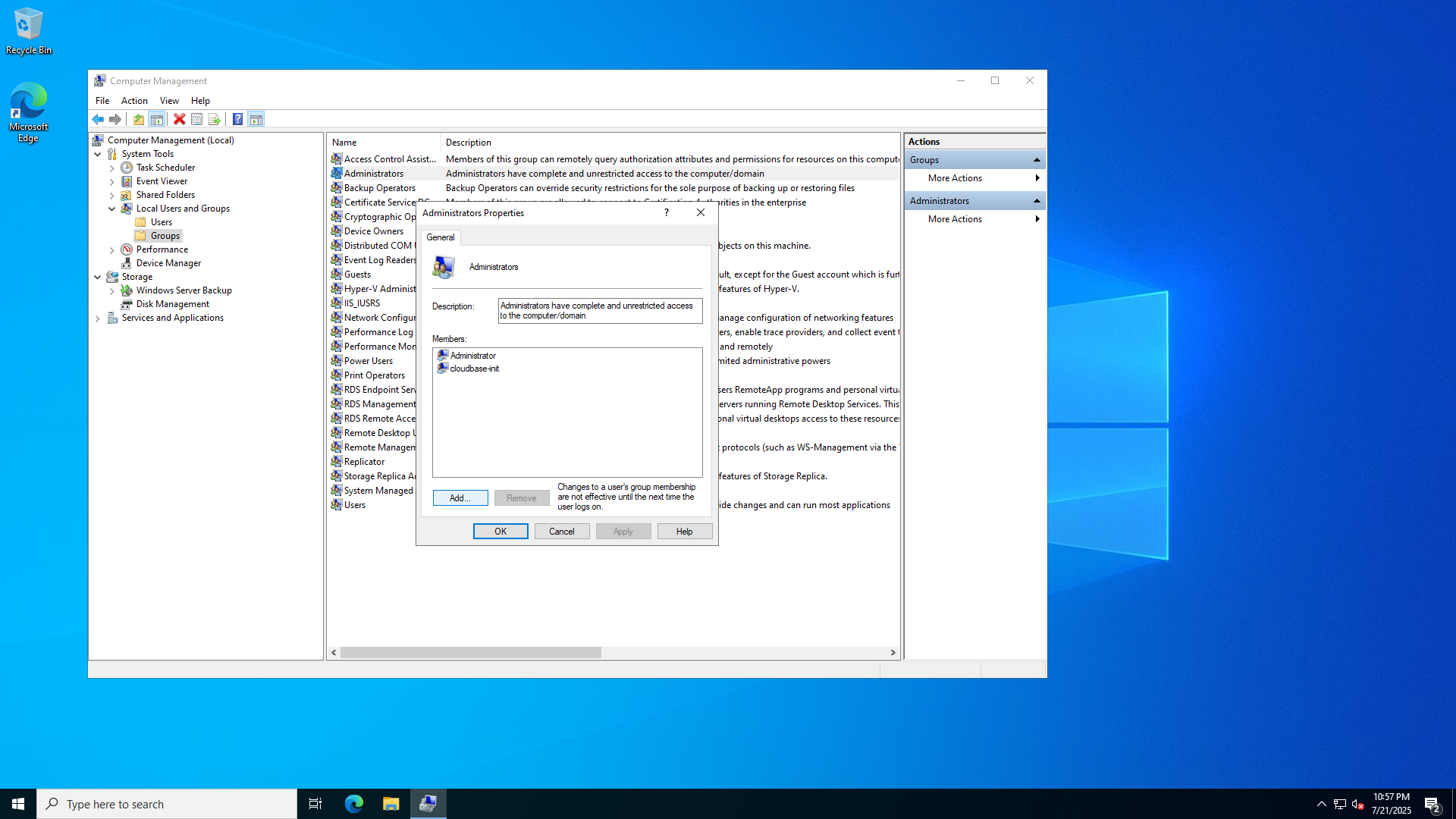
Step 8: On the bottom left press Add, now type in the new user their name.
Afterwards press "OK"
This group will give the new user admin permissions,
If you would like to setup specific permissions you will need to make a custom group.
The new user is now able to access the server through its IP address
For a guide on how to connect, please refer to our other knowledgebase article.