How to Update Server Artifacts for FiveM
This guide will show you how to safely update your FiveM server artifacts to the latest version without affecting your server files.
Step 1: Completely Shut Down Your Server
MAKE SURE YOUR SERVER IS COMPLETELY SHUT OFF FIRST!
Before updating your artifacts, make sure your FiveM server is no longer running.
Once the server is completely stopped, open your artifacts folder.
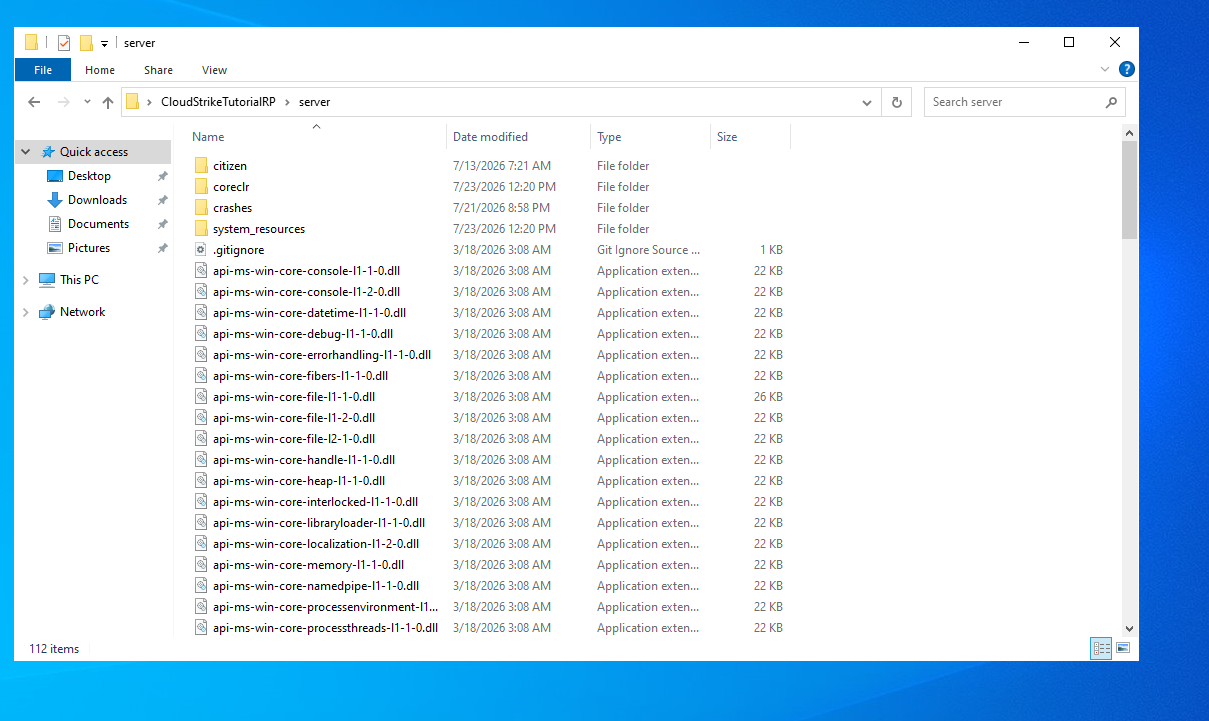
Step 2: Delete the citizen Folder
Inside your artifacts folder, find the folder named:
citizen
Delete the entire citizen folder.
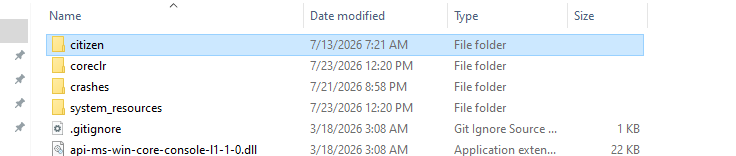
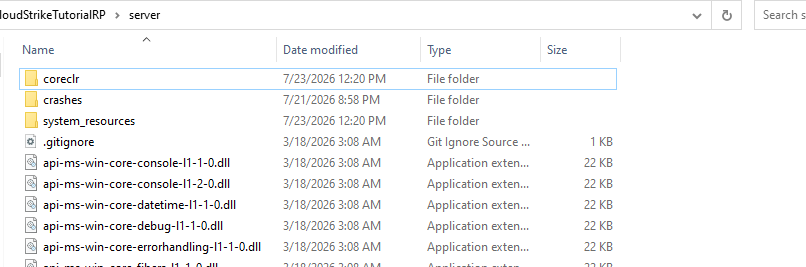
Step 3: Open the FiveM Artifacts Website
Head over to the official FiveM Server Artifacts website.
/artifacts/fivem/build_server_windows/master/ / FiveM Artifacts
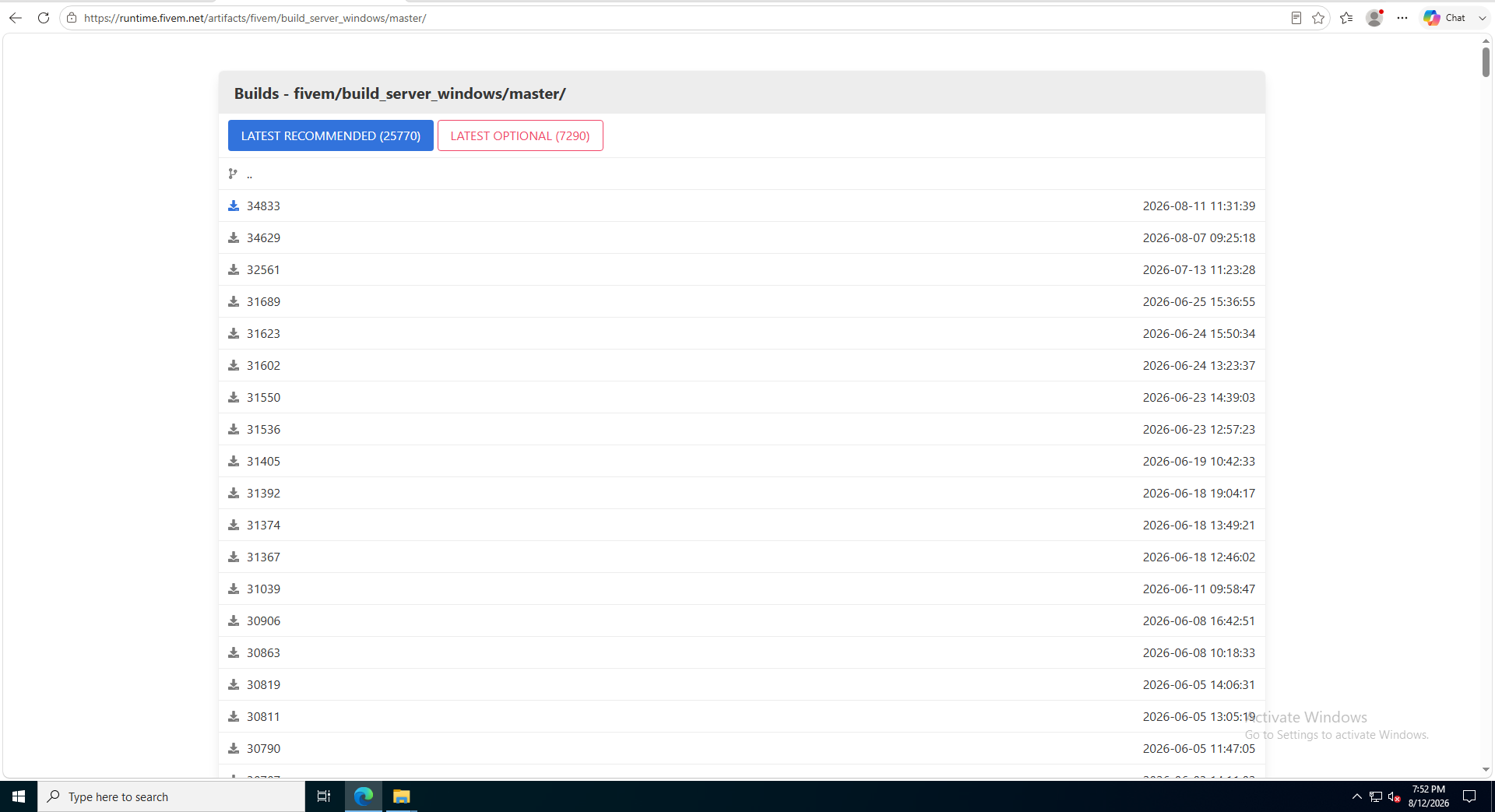
Step 4: Download the Latest Version
Find the latest available artifact and download it to your computer.

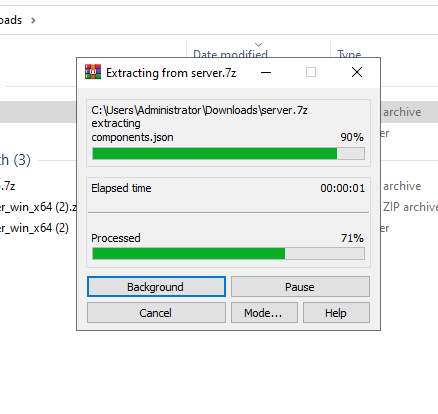
Step 5: Extract the Download
Once the artifact has finished downloading, extract the downloaded file.
You can use a program such as 7-Zip or WinRAR to extract it.
Step 6: Copy the New Artifact Files
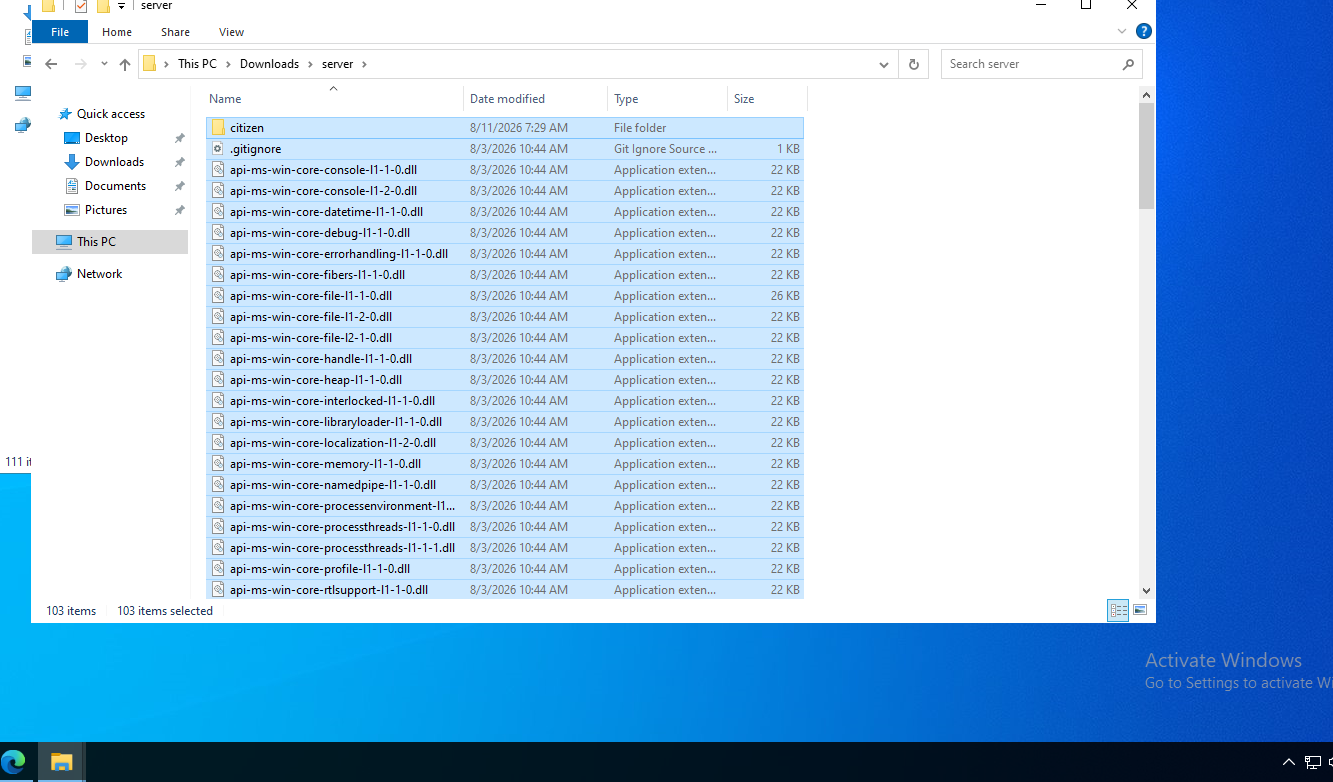
Open the folder you just extracted.
Select all of the files and folders inside the extracted folder.
Right-click and select:
Copy
Step 7: Paste the Files Into Your Artifacts Folder
Go back to your original FiveM artifacts folder.
Paste all of the files you copied into the folder.
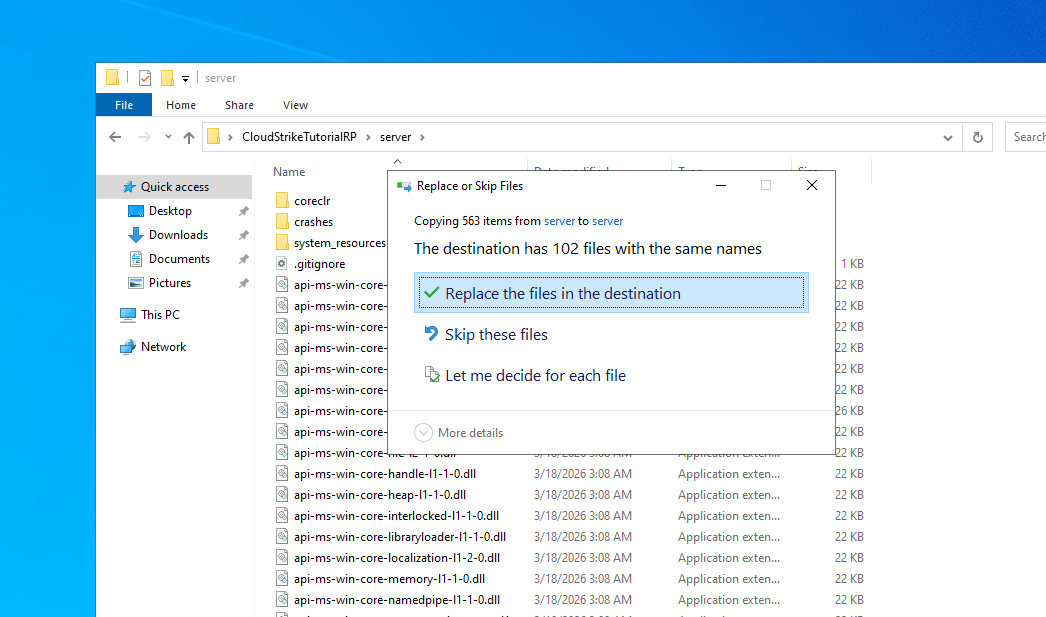
Windows may ask:
Replace or Skip Files
Select:
Replace the files in the destination
Step 8: Start Your Server
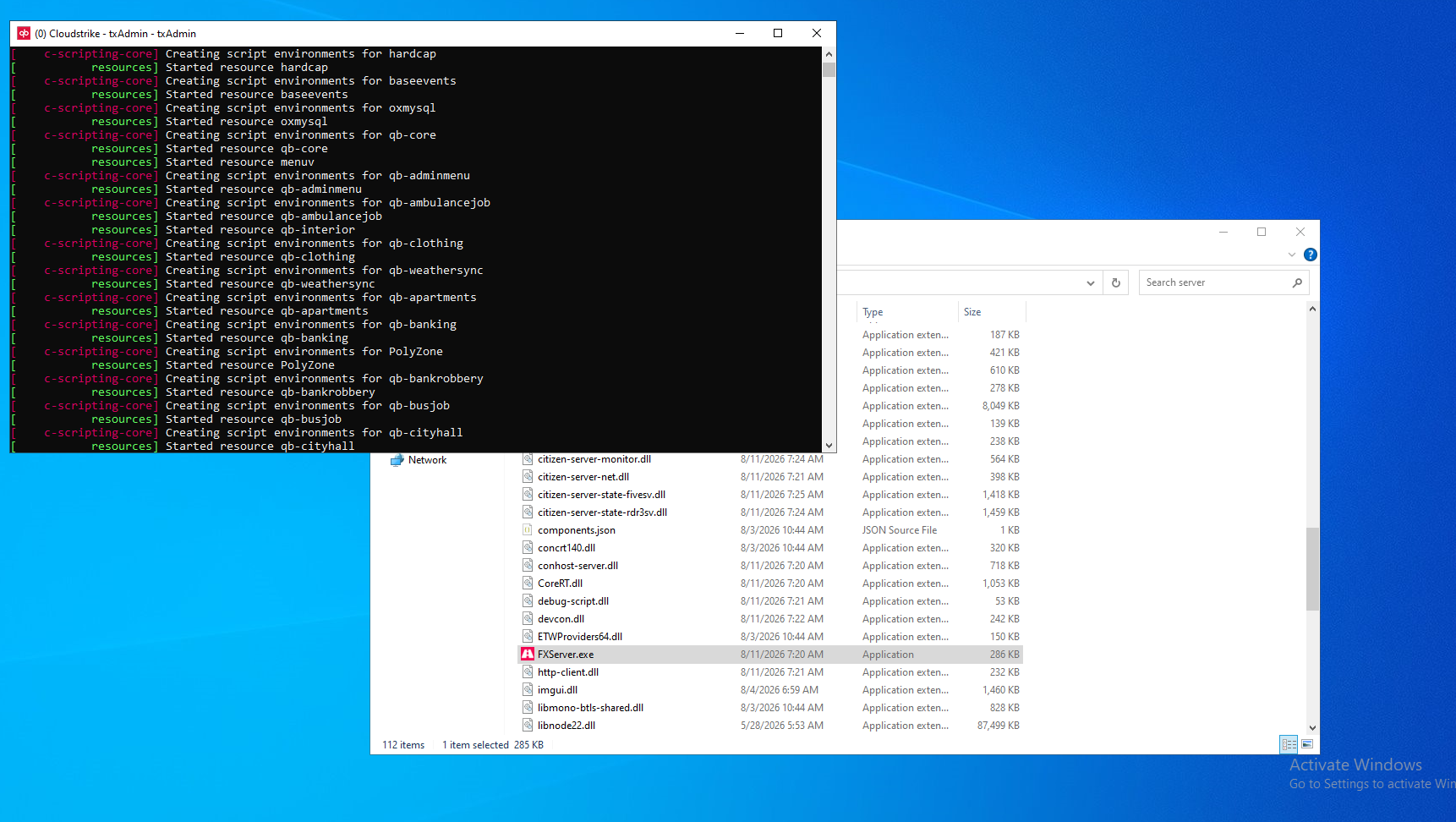
Once all of the files have finished copying, your FiveM artifacts have been updated!
You can now start your server back up.
Need Help?
For assistance, you can:
Join our Discord support server: https://discord.gg/JwnumEWEq6
Or log in to the Client Area - CloudStrikeHosting and open a support ticket.
Whether you have questions about your VPS, need help troubleshooting, or need assistance with your account, we're happy to help get you up and running as quickly as possible.