How to Run Two Servers on One Machine: Setting Up a Development Server
This guide will show you how to run a second FiveM server on the same machine for testing and development without affecting your main server.
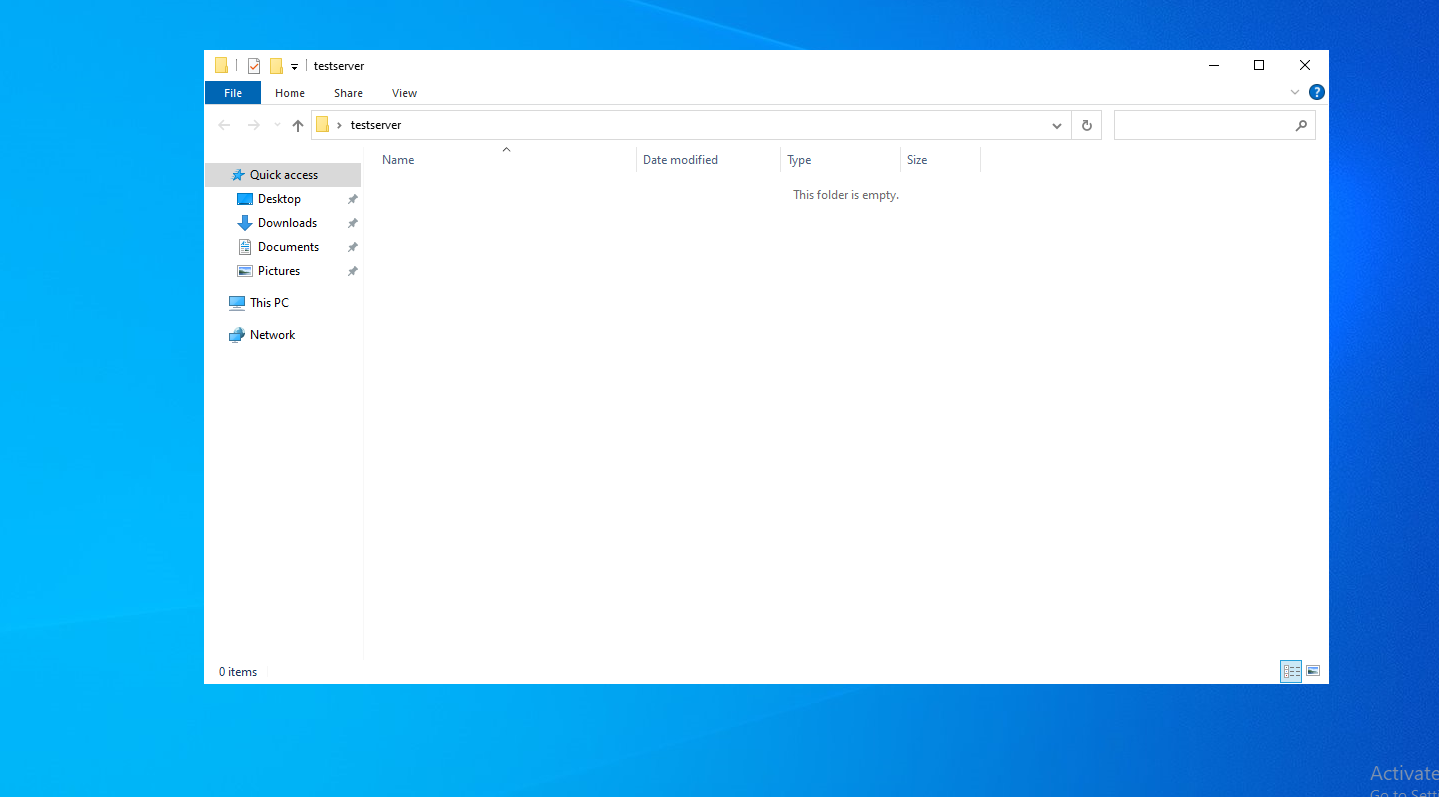
Step 1: Create a Folder
Create a new folder anywhere you'd like for your development server.
Example:Desktop TestServer
Step 2: Download the CFX Server Artifacts
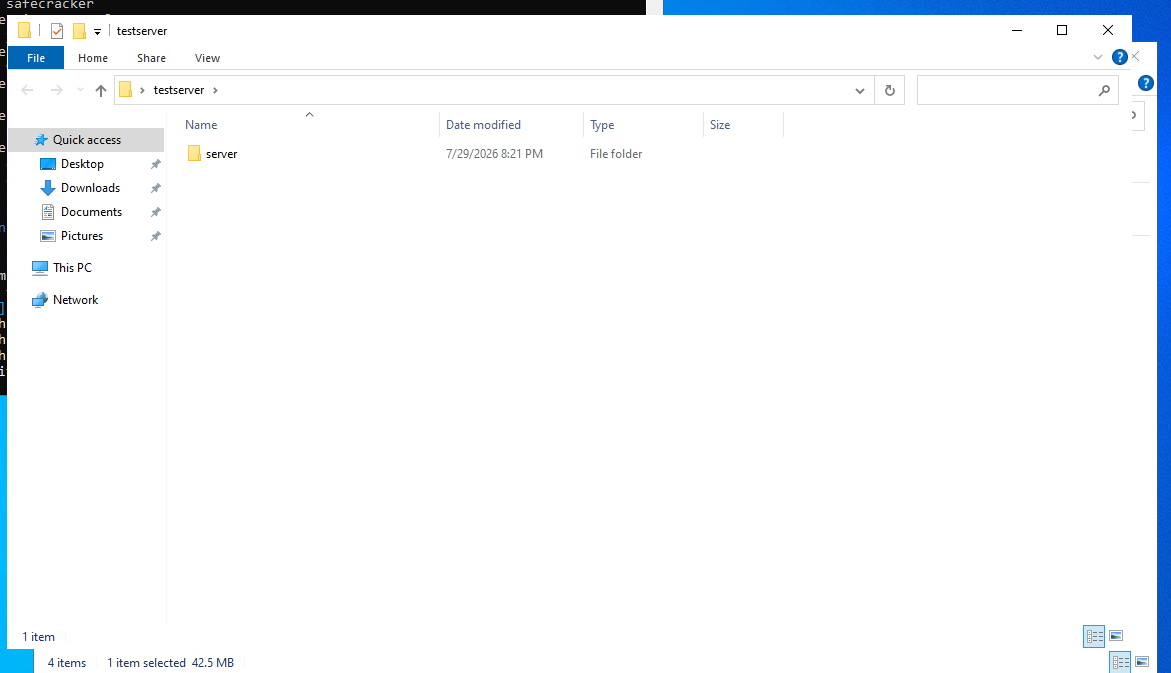
Download the latest CFX server artifacts and extract them into your TestServer folder.
/artifacts/fivem/build_server_windows/master/ / FiveM Artifacts
Your folder should now contain the server files, including FXServer.exe.
Step 3: Create the Startup Batch File
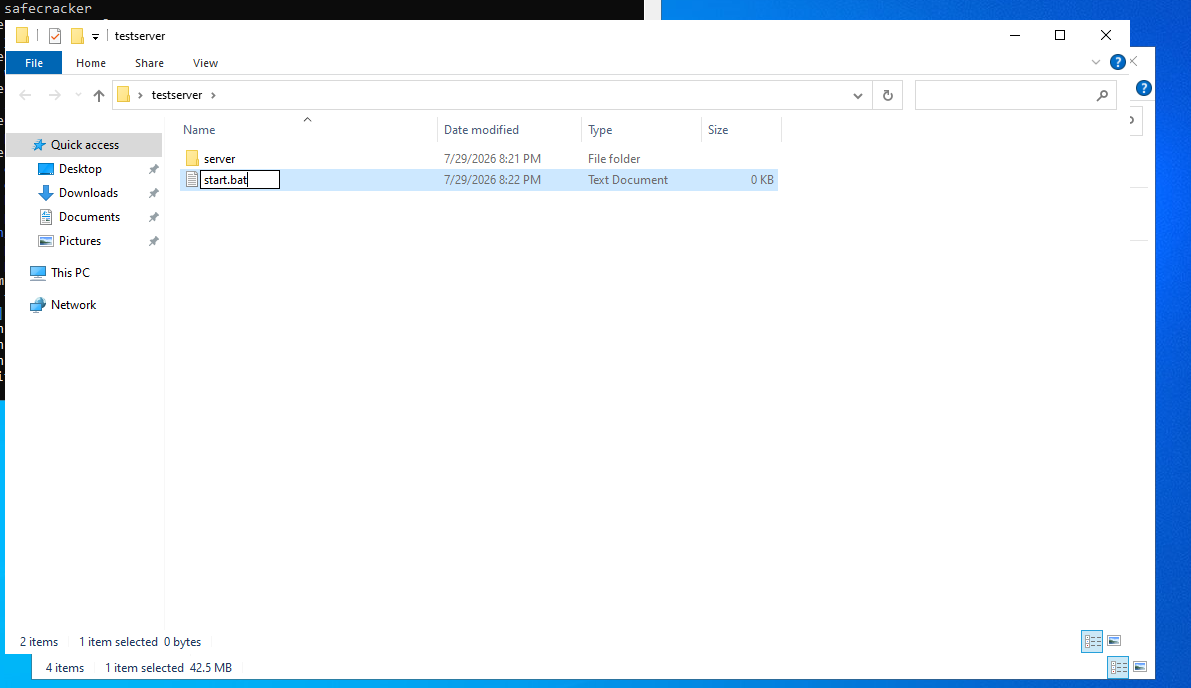
Inside your TestServer folder, create a new file named:
start.bat
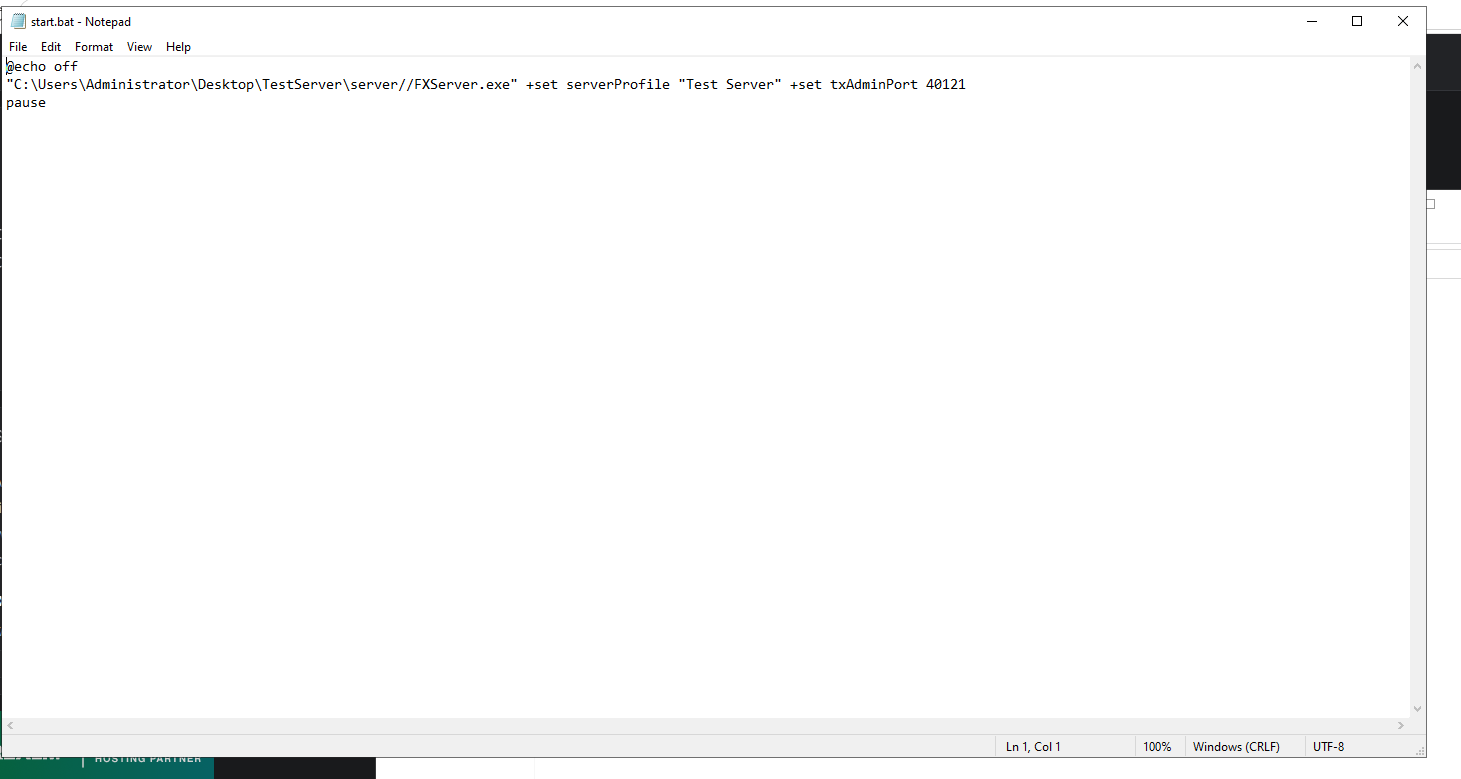
Paste the following into the file:
@echo off
"C:\Users\Administrator\Desktop\TestServer\server//FXServer.exe" +set serverProfile "Test Server" +set txAdminPort 40121
pause
Note: If your server is installed in a different location, update the file path accordingly.
Step 4: Start the Server
Double-click start.bat to launch the server.
txAdmin will open in your browser. Complete the setup just as you would for your primary server.
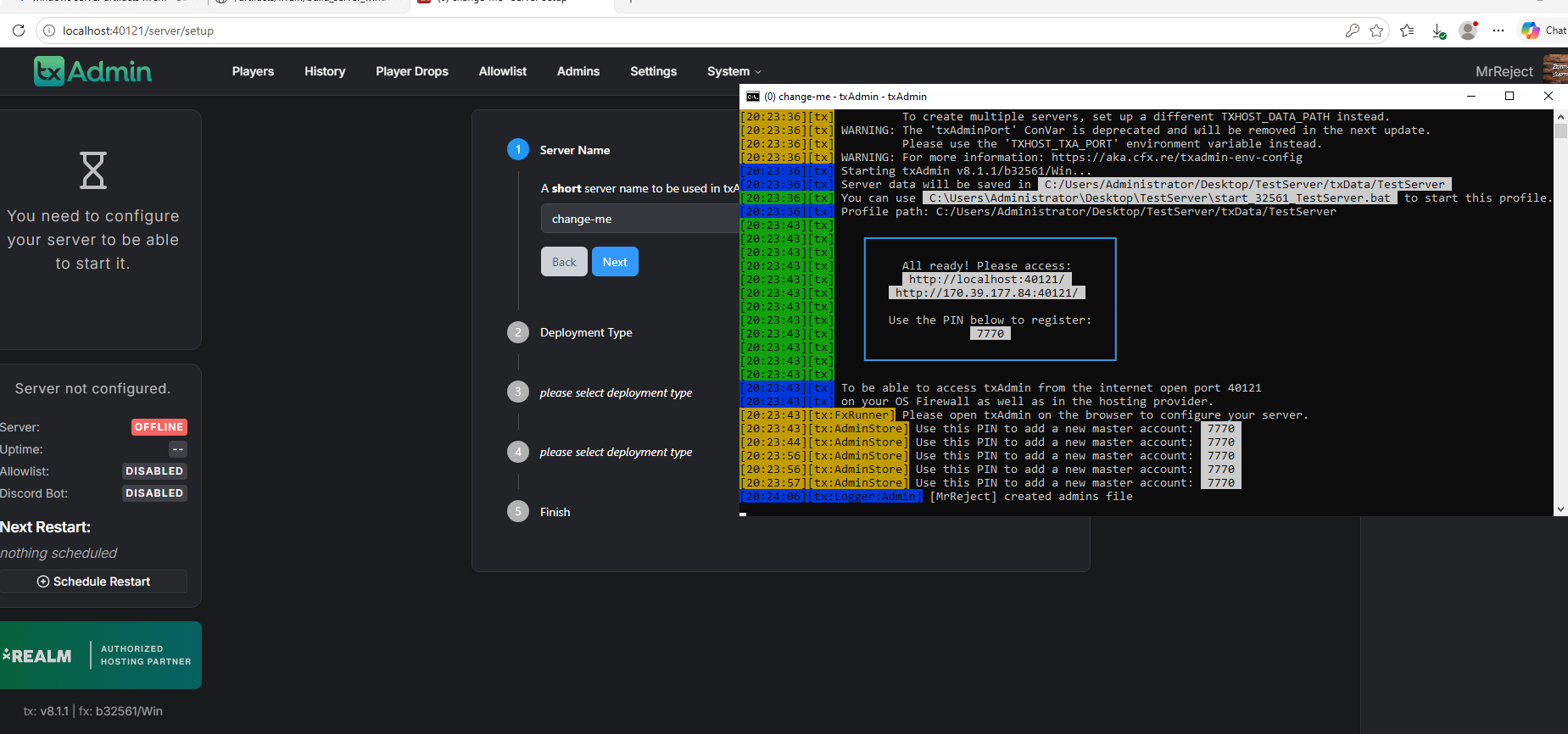
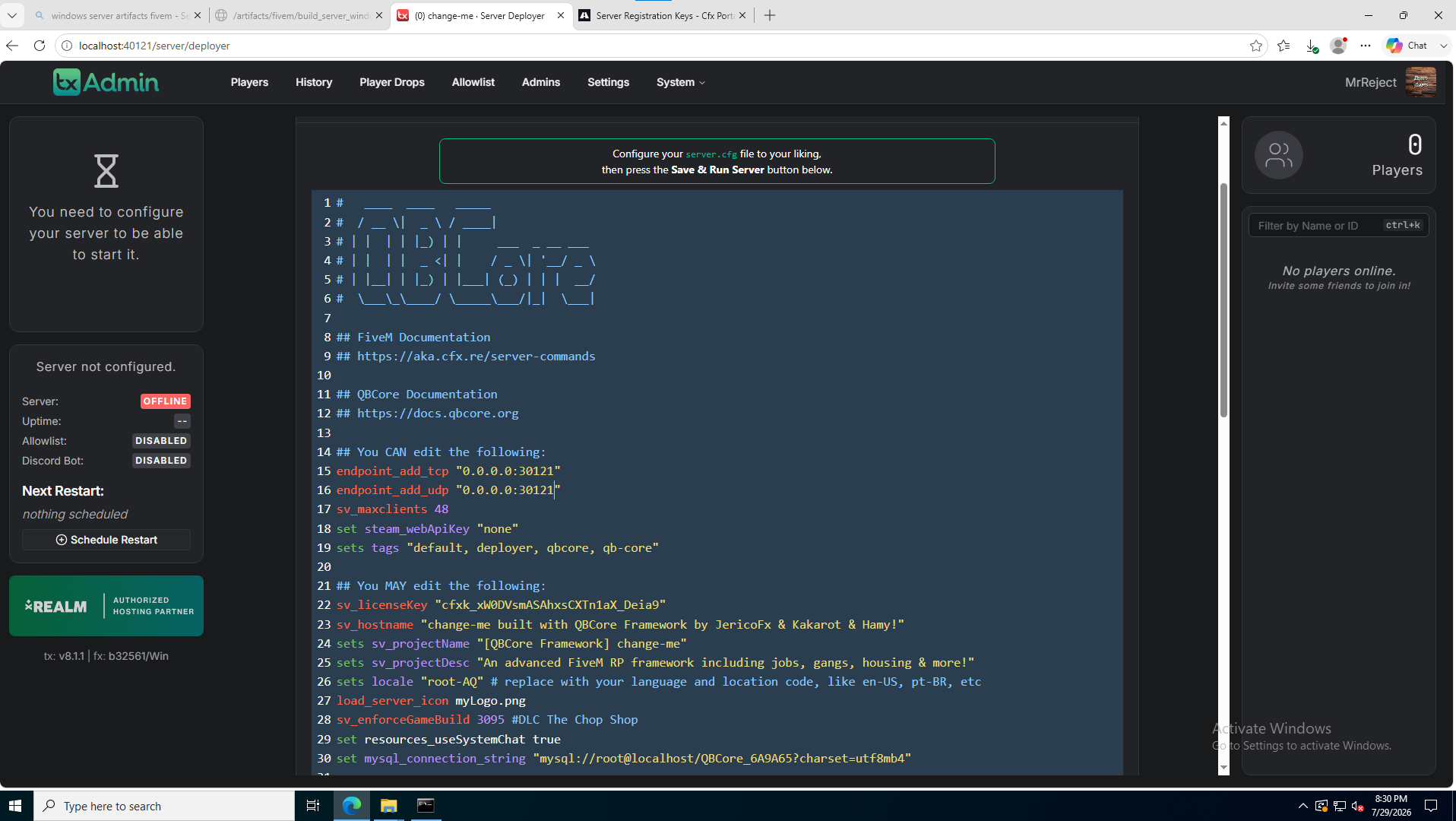
Step 5: Change the Server Ports
When you reach the Configure Server.cfg page, change the default ports:
30120 to 30121!
After changing both ports, click Save and then Start Server.
Step 6: Verify the Server
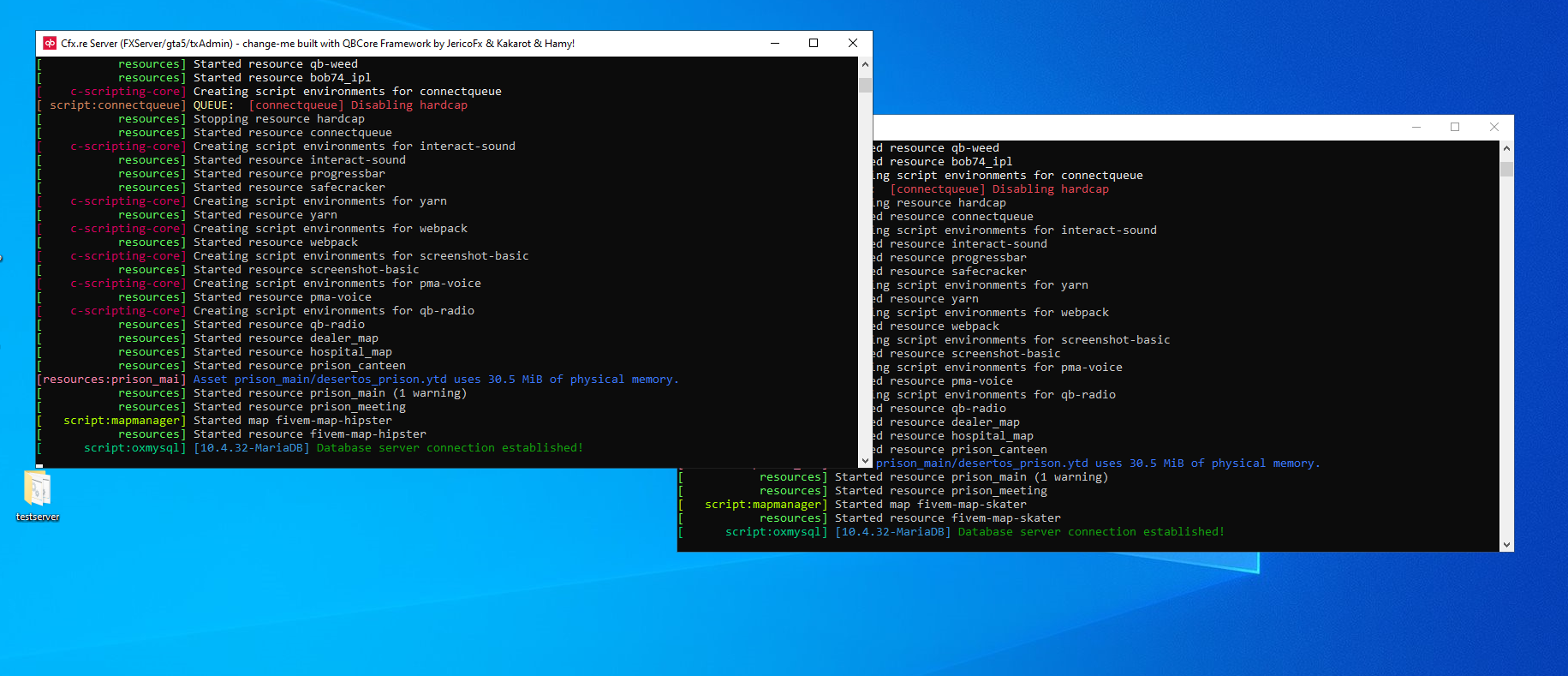
Once the server starts successfully, you'll have:
-
✅ Your main server running on 30120
-
✅ Your development server running on 30121
Both servers can now run simultaneously on the same machine.
Need Help?
Before You Continue: If you don't remember how to open the required ports for your test server or need a refresher on setting up a FiveM server, please refer to the guides below before continuing with this tutorial.
- How to open ports for your fivem server! - Knowledgebase - CloudStrikeHosting
-Setting up a Fivem Server! - Knowledgebase - CloudStrikeHosting
If you run into any issues during setup, our support team is here to help.
For assistance, you can:
Join our Discord support server: https://discord.gg/JwnumEWEq6
Or log in to the Client Area - CloudStrikeHosting and open a support ticket.
Whether you have questions about your VPS, need help troubleshooting, or need assistance with your account, we're happy to help get you up and running as quickly as possible.